Get the size wrong and the platform crops your video for you. Badly. Here are the 2027 video sizes for every major channel, checked against each platform’s own help pages, plus one rule that saves most of the work.
The first principle: shoot once, frame for the safe zone
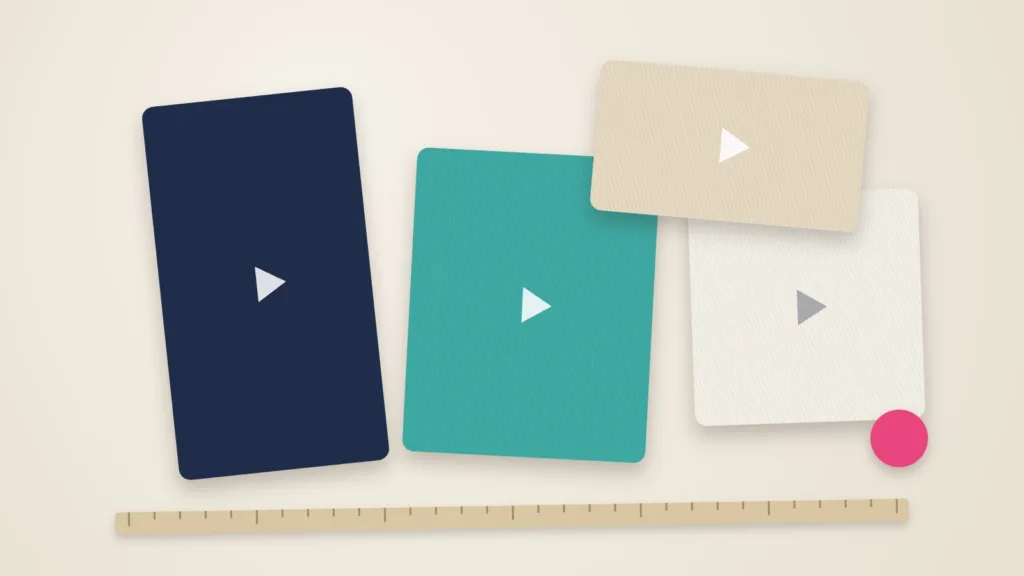
Almost every feed is now vertical. Shoot or design at 1080 x 1920 (9:16), keep text, faces and logos in the middle of the frame, and you can crop down to 4:5, 1:1 or 16:9 without losing anything that matters. One master, many cuts.
2027 video sizes cheat sheet
| Platform and format | Recommended size | Aspect ratio | Length |
|---|---|---|---|
| Instagram Reels | 1080 x 1920 | 9:16 (accepts 1.91:1 to 9:16) | Up to 20 minutes in the app |
| Instagram Stories | 1080 x 1920 | 9:16 | 60 seconds per story |
| Facebook (all videos post as reels) | 1080 x 1920 | 9:16 recommended, any orientation accepted | Any length |
| YouTube | 1920 x 1080 or higher | 16:9 | 15 minutes by default, up to 12 hours once verified |
| YouTube Shorts | 1080 x 1920 | 9:16 or 1:1 | Up to 3 minutes |
| TikTok | 1080 x 1920 | 9:16 | Up to 10 minutes for most accounts; 60 minute uploads tested with some |
| X | 1280 x 720, 720 x 1280 or 720 x 720 | 16:9, 9:16 or 1:1 | 140 seconds (longer with Premium) |
| 256 x 144 to 4096 x 2304 | 1:2.4 to 2.4:1 | 3 seconds to 15 minutes | |
| 1080 x 1920 | 9:16 (also 1:2, 2:3, 3:4, 4:5, 1:1) | 4 seconds to 5 minutes (ads up to 15) | |
| Threads | 1080 x 1920 | 9:16 | Up to 5 minutes |
Reels and Stories both want 1080 x 1920. Reels can run up to 20 minutes when made in the app, but Instagram says reels over 3 minutes are not recommended to people who don’t follow you yet. If reach matters, keep it under 3. Your profile grid now shows posts at 3:4, so check that the middle of your cover frame still works when cropped. Our free Instagram Grid Maker helps you preview it.
Facebook now shares every video as a reel, whatever its length or orientation. Vertical 1080 x 1920 is the safe default. Landscape still uploads, it just takes up less of the screen.
YouTube and Shorts
Long form is still 16:9 at 1920 x 1080 or above. New channels can upload up to 15 minutes; verify your account to go up to 12 hours (files up to 256 GB). Shorts can run up to 3 minutes if they are square or vertical, which has been the rule since October 2024.
TikTok
Vertical 1080 x 1920. Most accounts can post videos up to 10 minutes. TikTok has tested uploads of up to 60 minutes with some accounts, so check what your upload screen allows. Long uploads exist, but the feed still rewards the first three seconds.
X
Standard accounts get 140 seconds and 512 MB. Premium accounts can upload much longer videos at 1080p (under 4 hours and up to 16 GB, per X’s help page). Use 1280 x 720 for landscape, 720 x 1280 for vertical or 720 x 720 for square.
LinkedIn is the most forgiving: 3 seconds to 15 minutes, 75 KB to 5 GB, anything from 256 x 144 up to 4096 x 2304, and aspect ratios from 1:2.4 to 2.4:1. Vertical or square tends to fill more of the mobile feed.
Pinterest and Threads
Pinterest recommends 9:16 at 1080 x 1920 for full-screen video Pins, which can run from 4 seconds to 5 minutes. Video ads can run up to 15 minutes and 2 GB. Threads takes vertical video up to 5 minutes and 1 GB.
A simple framework: one master, three cuts
- Master at 9:16. 1080 x 1920 covers Reels, Stories, Facebook, Shorts, TikTok, Threads and Pinterest.
- Crop to 4:5 or 1:1 for feed posts on LinkedIn, X and the Instagram grid.
- Re-edit at 16:9 only for long-form YouTube, where people watch on bigger screens.
Keep captions and key text in the centre third of the frame so every cut keeps them.
How to do it with Mavic
Mavic always works from your brand, so every size comes out with your Brand DNA built in. Ask in chat for a short video at 9:16 and it generates one (Generating videos). The Resize + Logo + Translate workflow turns one artwork into 1:1, 4:5, 3:4, 9:16 and more. Then edit the caption for each channel before you schedule (Editing captions per platform) and place it on your Calendar. Nothing publishes until you approve it. Mavic doesn’t connect to Pinterest yet, so download the finished video and upload it to Pinterest yourself.
Planning January? Pair this with the best time to post on Instagram in 2027 and the free tools in our toolkits.
Sources
- Instagram Help Centre, Reels
- Meta Newsroom, Making it easier to create videos on Facebook (June 2025)
- YouTube Help, Recommended upload encoding settings
- YouTube Help, Upload videos longer than 15 minutes
- YouTube Help, Shorts up to 3 minutes (October 2024)
- TechCrunch, TikTok tests 60-minute video uploads (May 2024, news report)
- X Help Center, Videos on X
- LinkedIn Help, Video specifications
- Pinterest Help, Pin specs
- Pinterest Business Help, Ad product specs
- Threads API, media specifications